A craft session, a book club, a writing activity, or a technology program: the Metro Library event calendar gives an Oklahoma City outing a different starting point. Choose by location and interest, then check the individual event for current details.
If you’re looking for something to do in Oklahoma City, the calendar gives you a practical starting point beyond searching social posts for an old flyer.
Choose who the outing is for
The calendar offers age filters including kids, teens, adults, and all ages. Start there if you’re planning for a family member or a group, then read the event description for the exact audience.
A label in search results is a shortcut, not the whole event brief. Check whether an adult should attend with a child, whether a program has a narrower age range, and what participants need to bring.
Narrow it to a realistic location
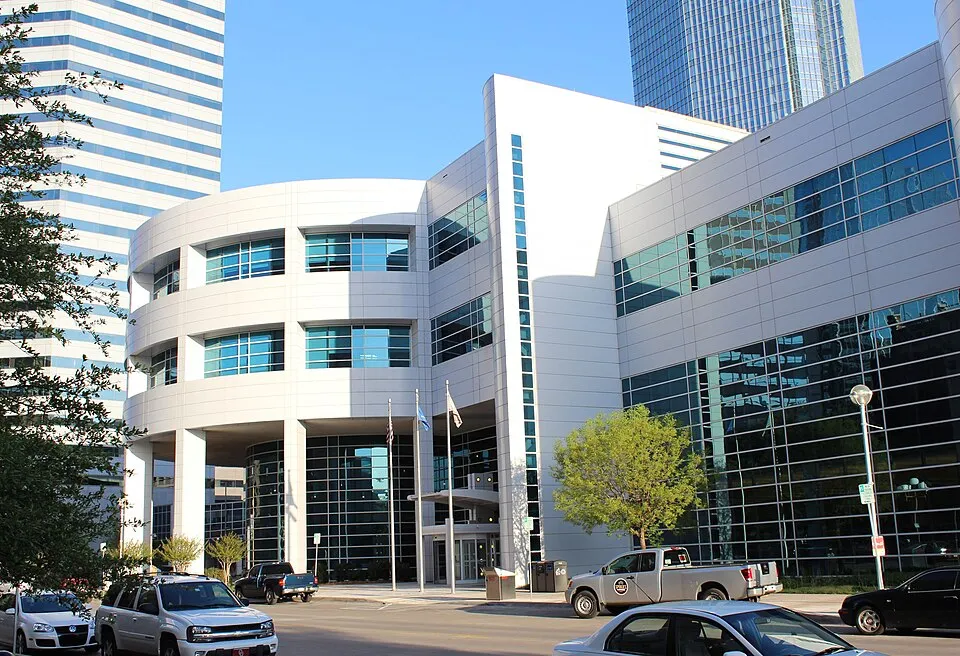
The location filters include Downtown, Capitol Hill, Ralph Ellison, and other libraries across the system. Choose a branch you can reach at the listed time.
Check whether the event takes place at the branch, online, or through another collection arrangement described in the listing. The branch name alone doesn’t settle where the activity happens.
Search by the activity you want
Program filters include arts and crafts, book clubs, computers and technology, games, writing, and other subjects. Try a category first; use the keyword box when you have a more specific interest.
If the search is empty, remove one filter at a time. A nearby branch or a different date may have a better match than a very narrow search across one location.
Read the event page before adding it to your day
Check the full date, start and finish, room or meeting link, and registration status. If registration is required, complete it through the library’s event page and keep the confirmation. An event appearing in search doesn’t mean a place is reserved for you.
Make a note of the contact route for questions. If cost, materials, access, or suitability isn’t clear, ask the library before building the outing around it.
Keep the link, not a copied schedule
Save the individual event page so you can recheck it close to the visit. Forward that link to anyone coming with you. A screenshot is useful for a reminder, but the source page is the better place to check for changes.
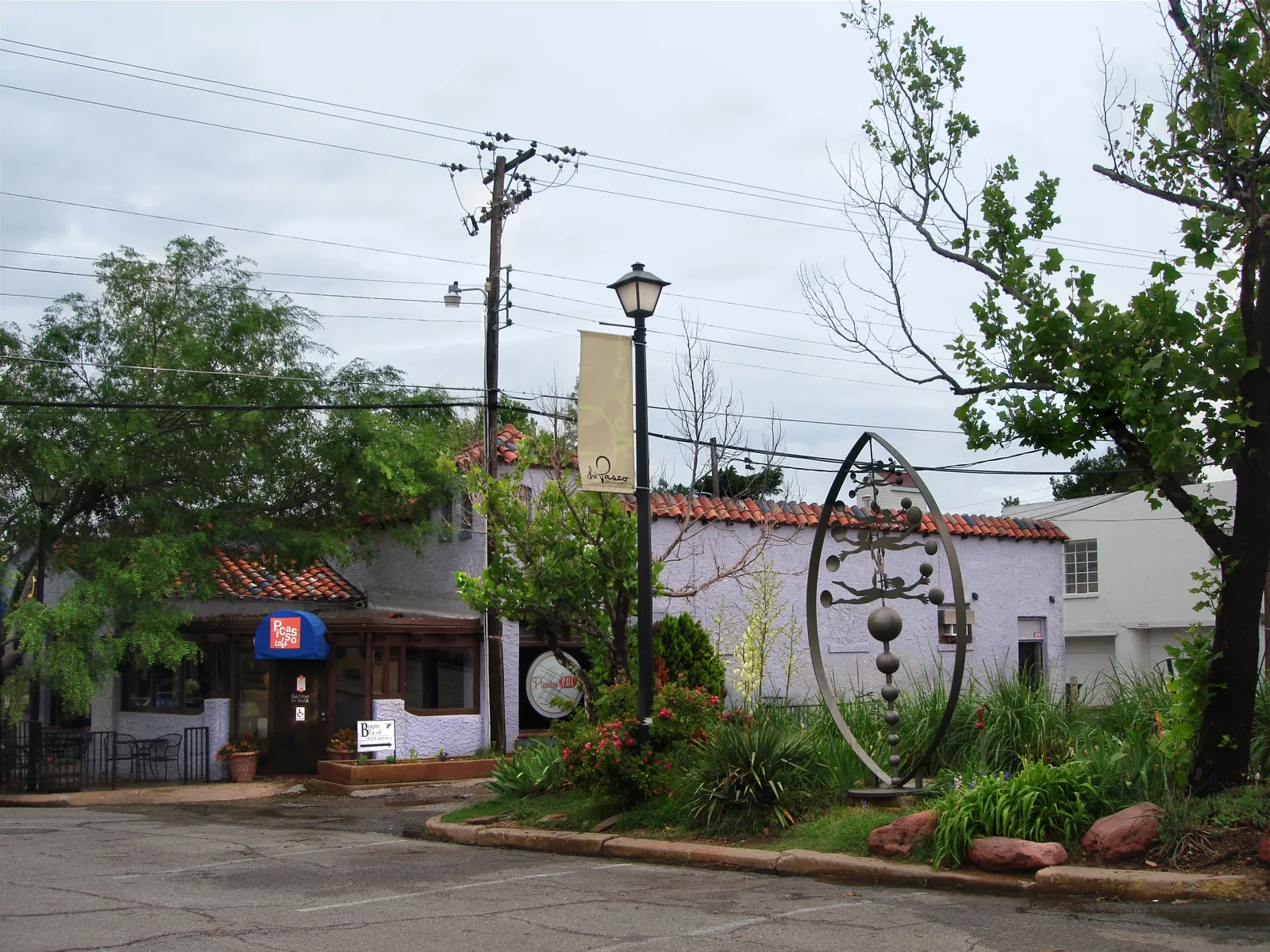
For more outing ideas, plan a short local weeknight or look at a Paseo visit.
Library event questions
Does this article list this week’s events?
No. It links to the live library calendar so you can choose current dates and check each event directly.
Do I need to register for everything?
Check the individual listing. Registration requirements and availability vary by event.
Can I search for adult activities too?
Yes. Use the adult age filter and a program category or keyword, then confirm the intended audience on the event page.